Cloud agents for omp.
On your hardware.
/cloud <task> hands your repo and conversation to an omp agent in its own KVM microVM. It asks you questions, sleeps when idle with its processes intact, and returns a branch.
curl -fsSL https://omp-cloud.techdufus.com/install.sh | sh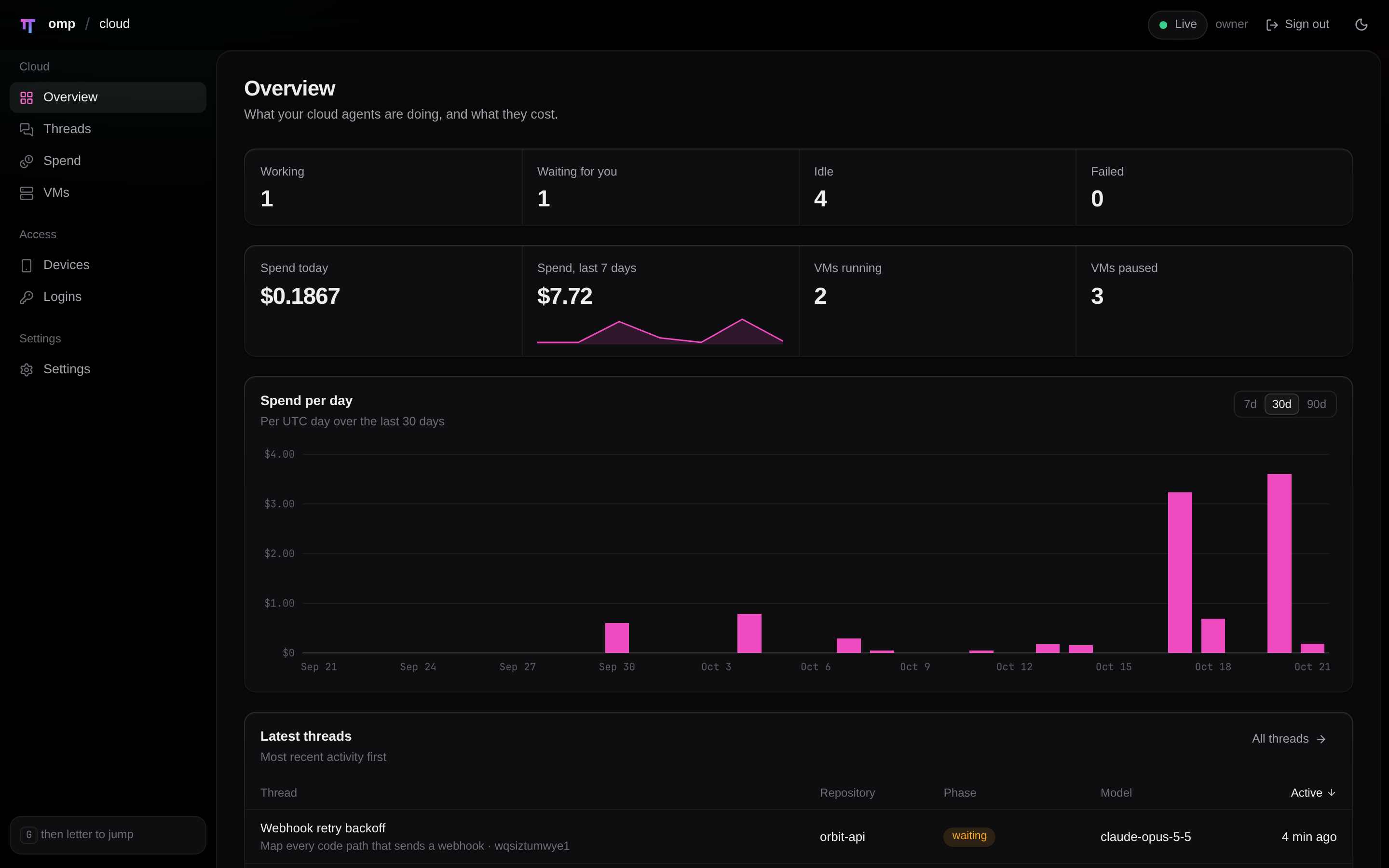
What you get
The repo state, uncommitted changes included, and the conversation go to an agent in its own microVM, on the same omp binary you run.
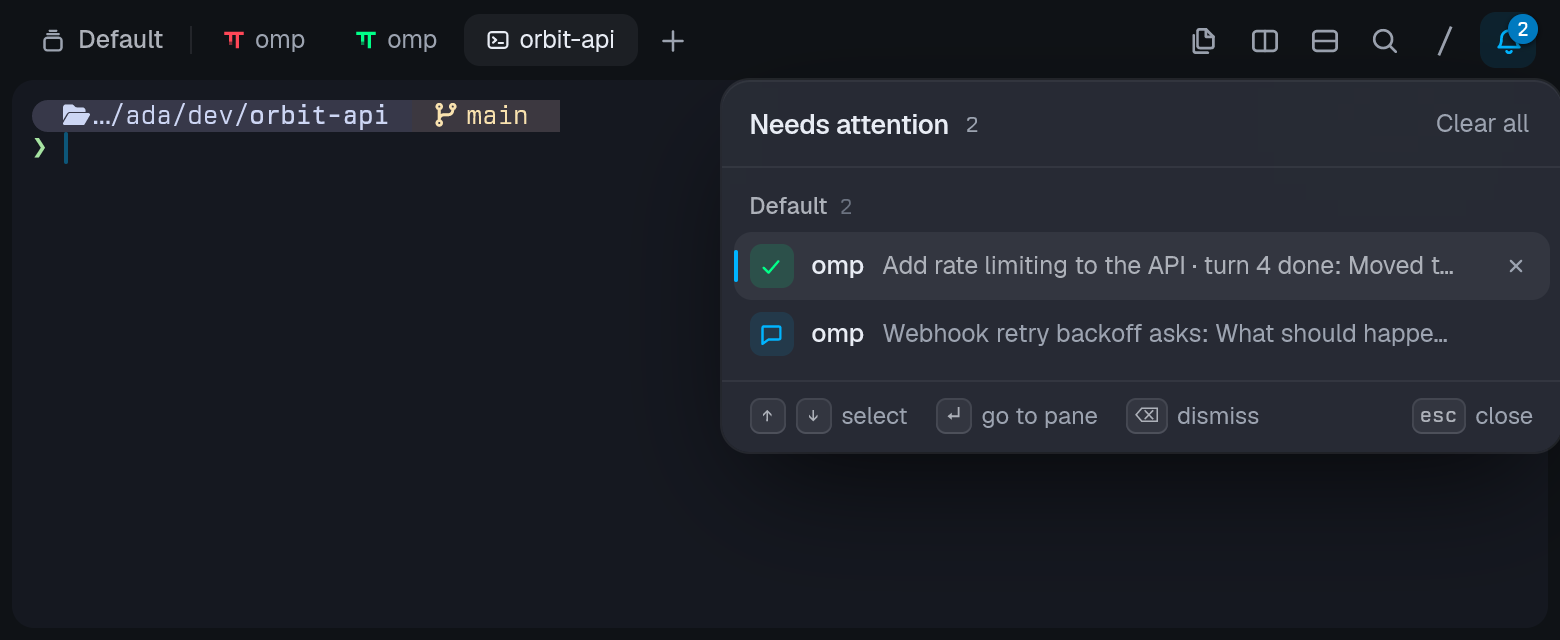
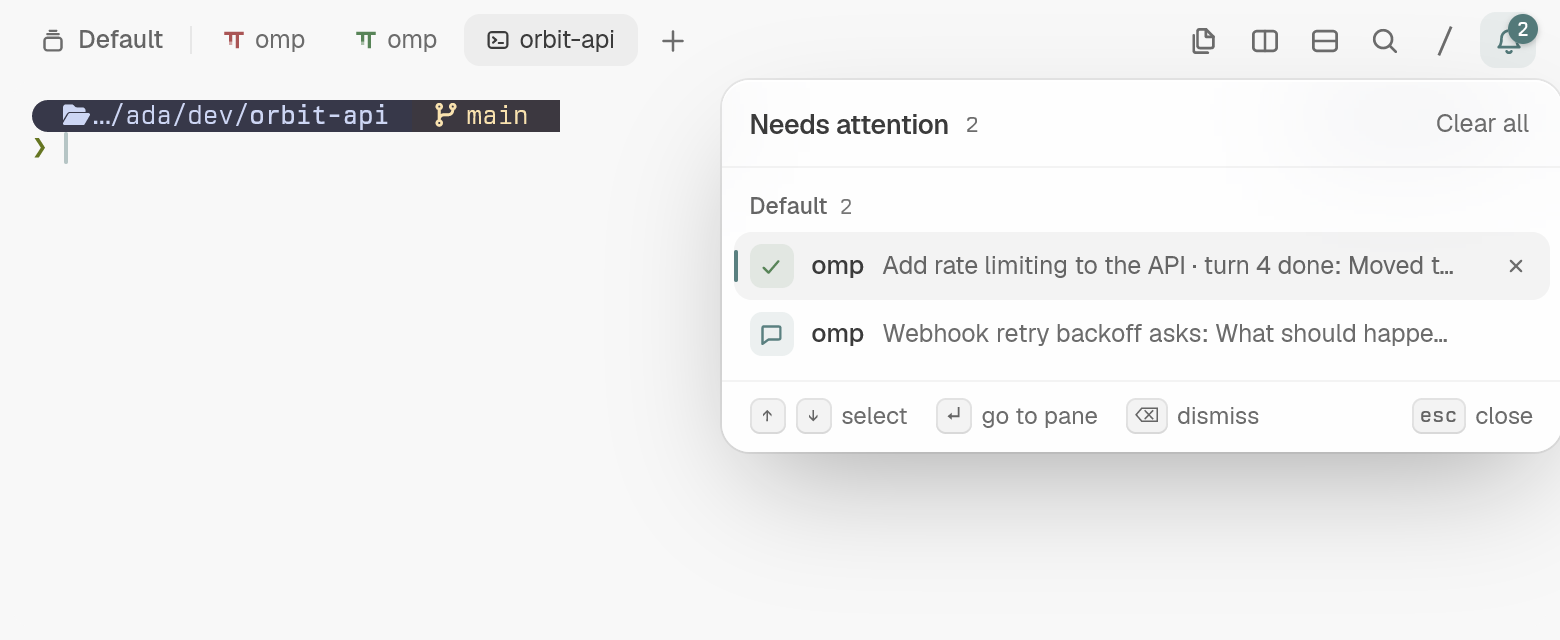
The agent's ask questions come back as omp cards and as a "needs attention" entry in your terminal's tray, and wait for you.
A VM pauses after idle and resumes on the next message; after 7 days idle (the default) it is archived and restored from its last result.
Job tiles with step dots and a live output tail, the jobs pill, /jobs and proc://; agent://<id> and history://<id> read a cloud agent's reply and conversation, write agent://<id> messages it (and it can write back), and a thread the model started delivers its result as omp's own async-result. omp stats counts its spend with yours.
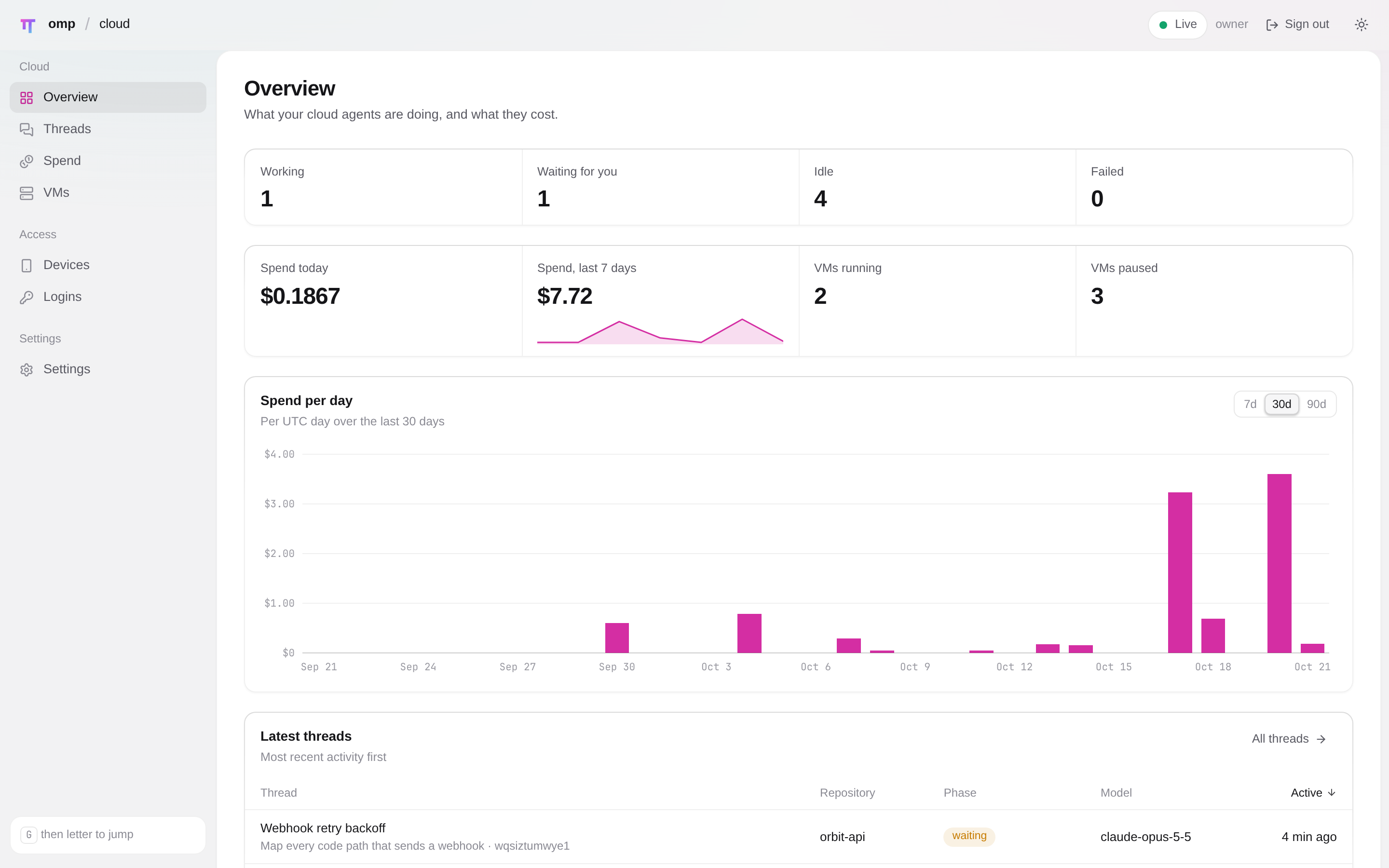
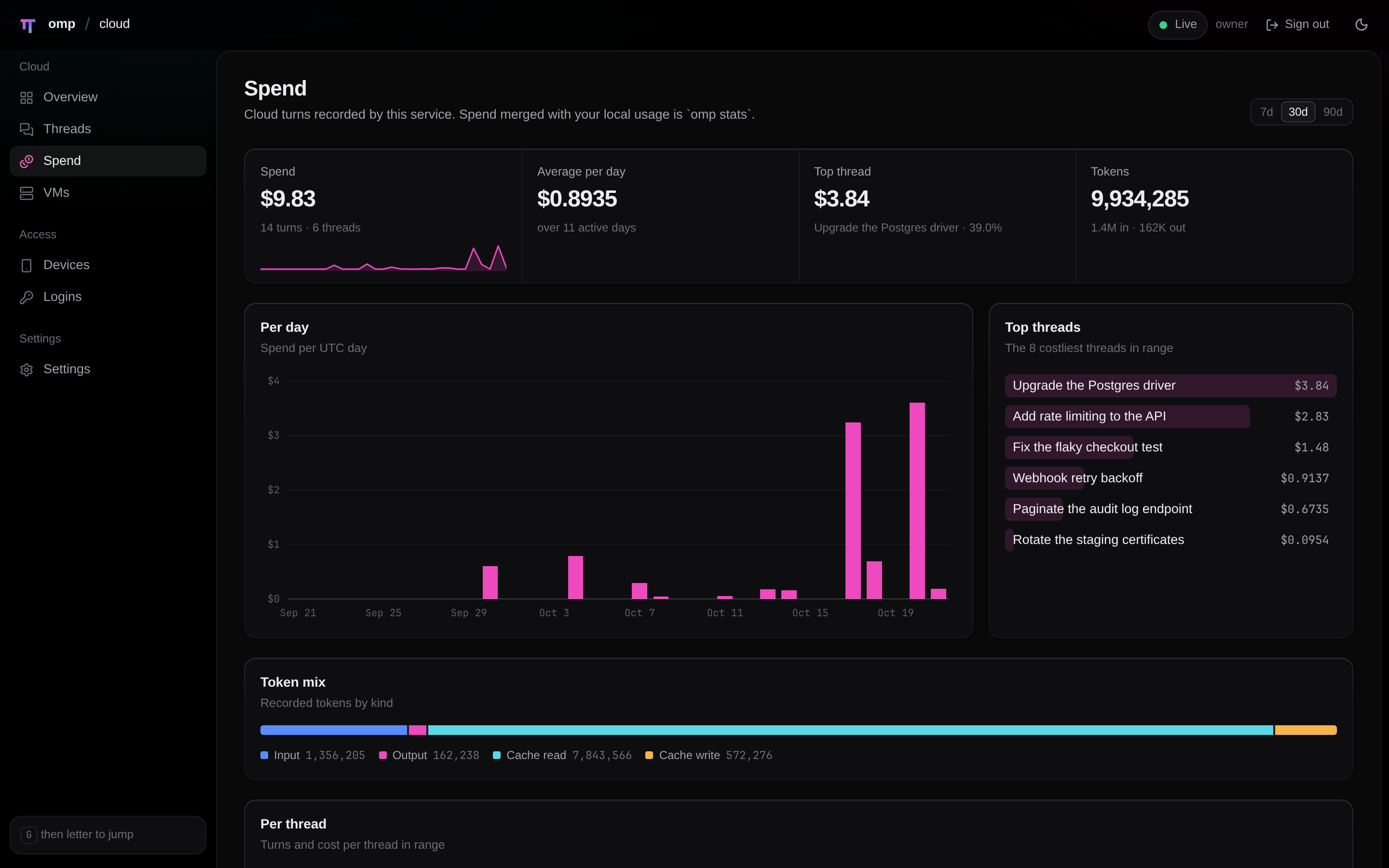
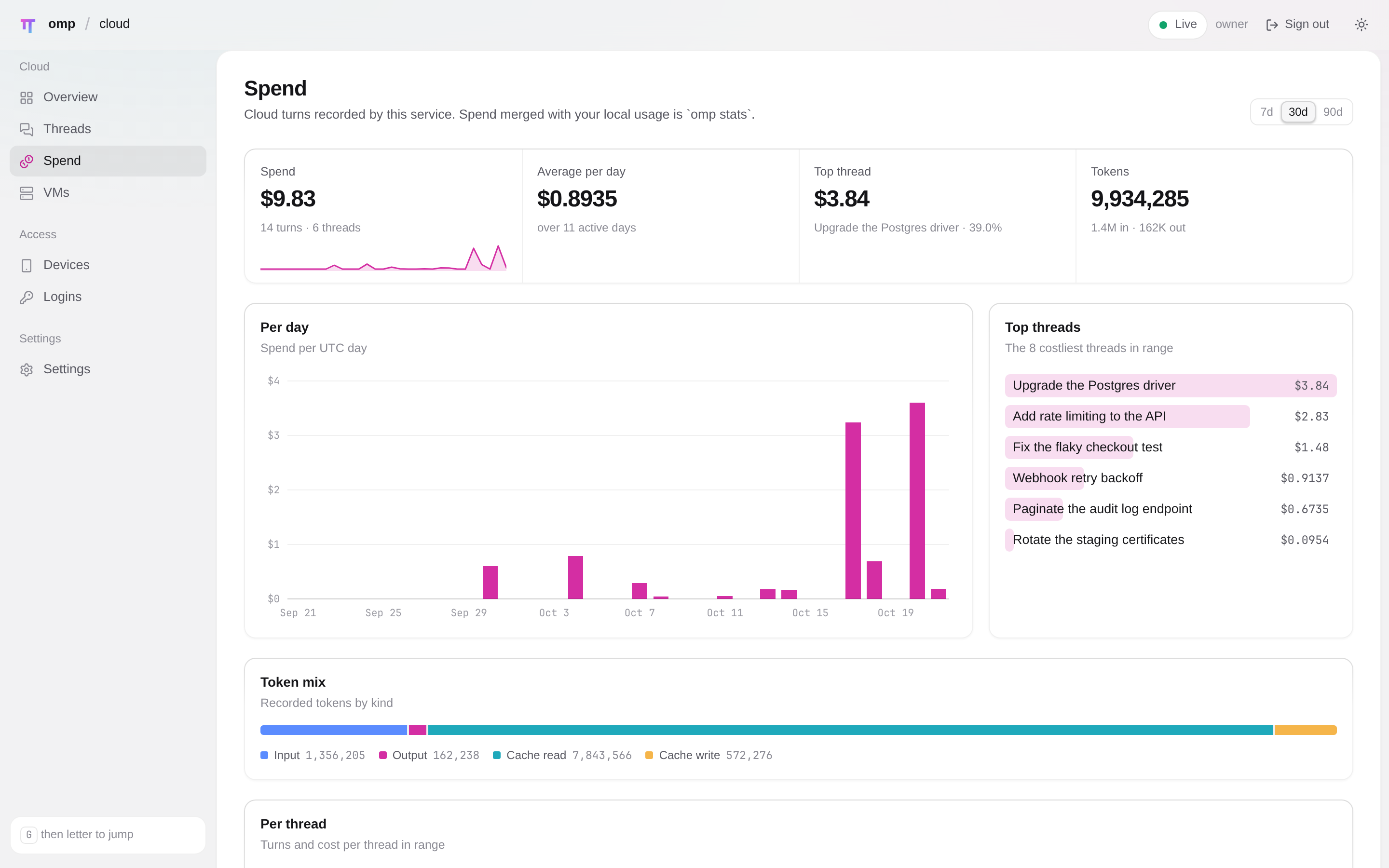
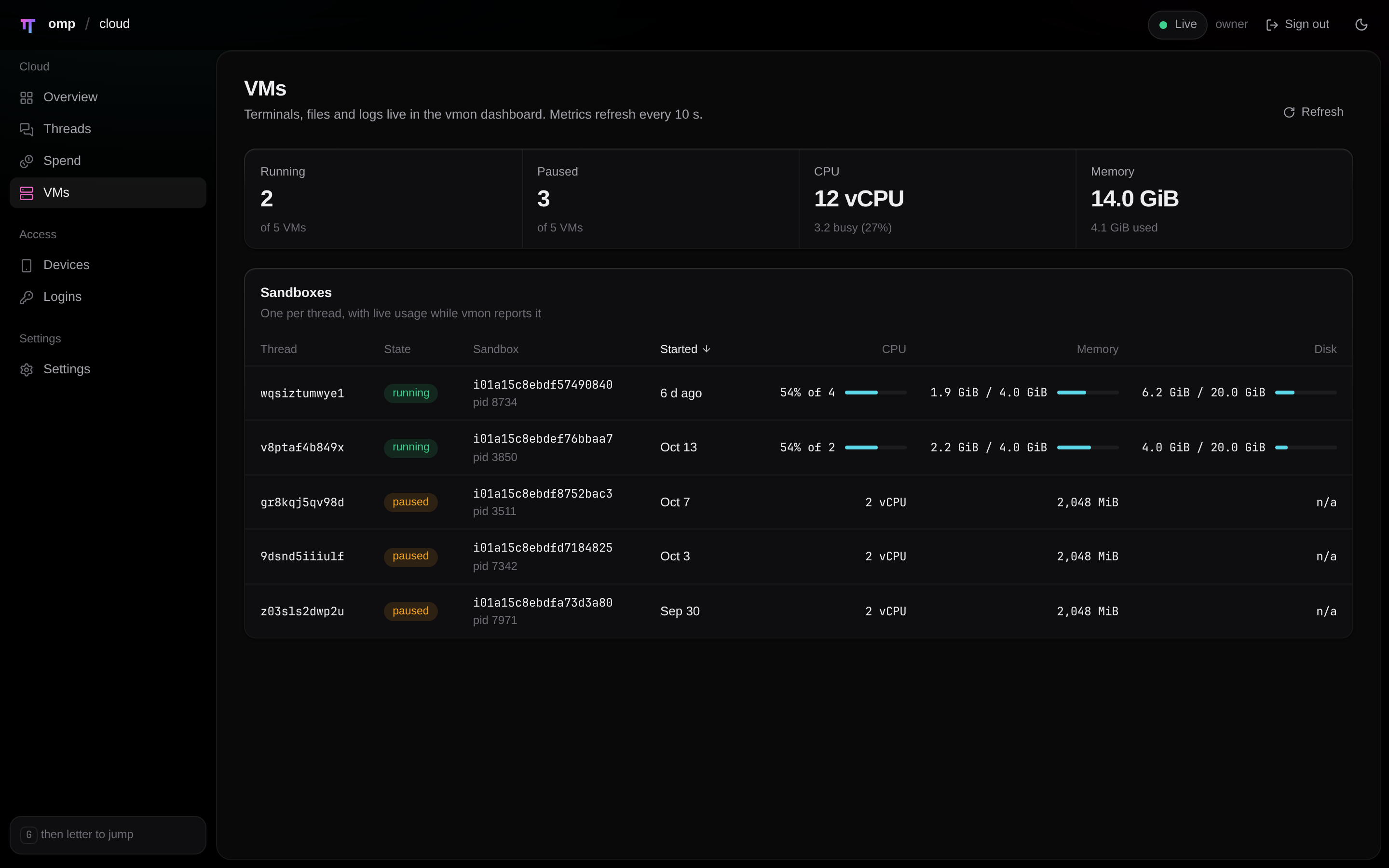
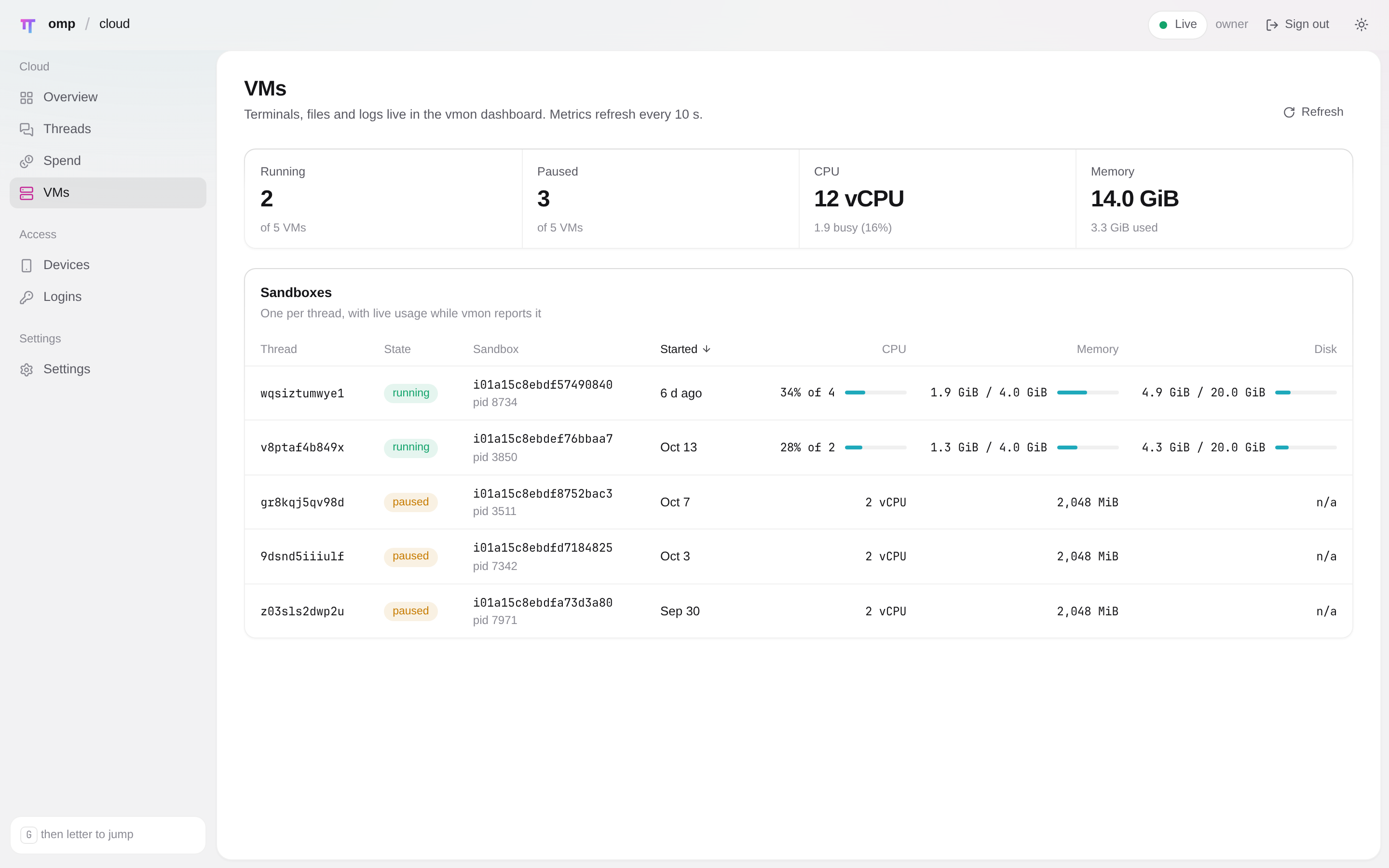
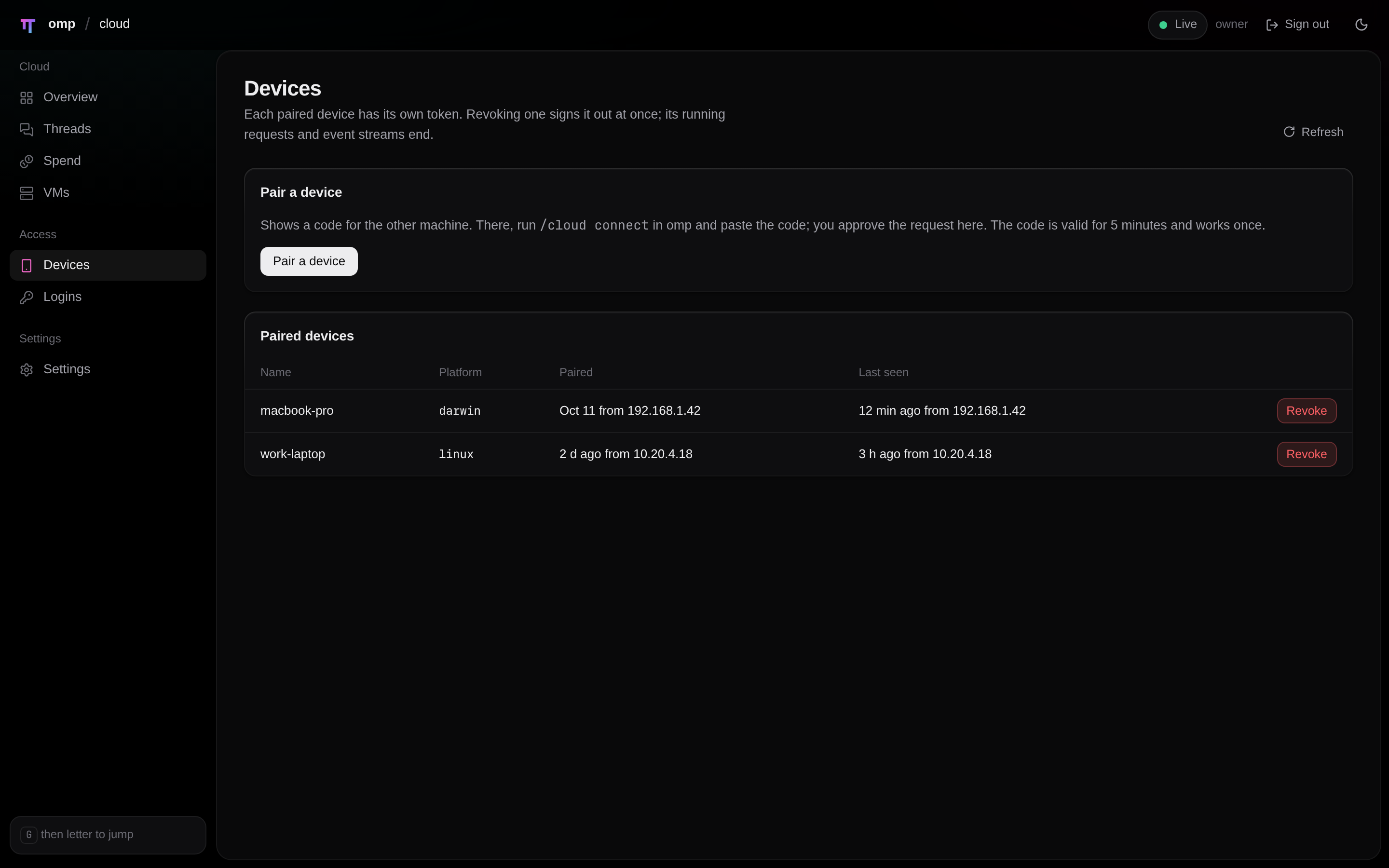
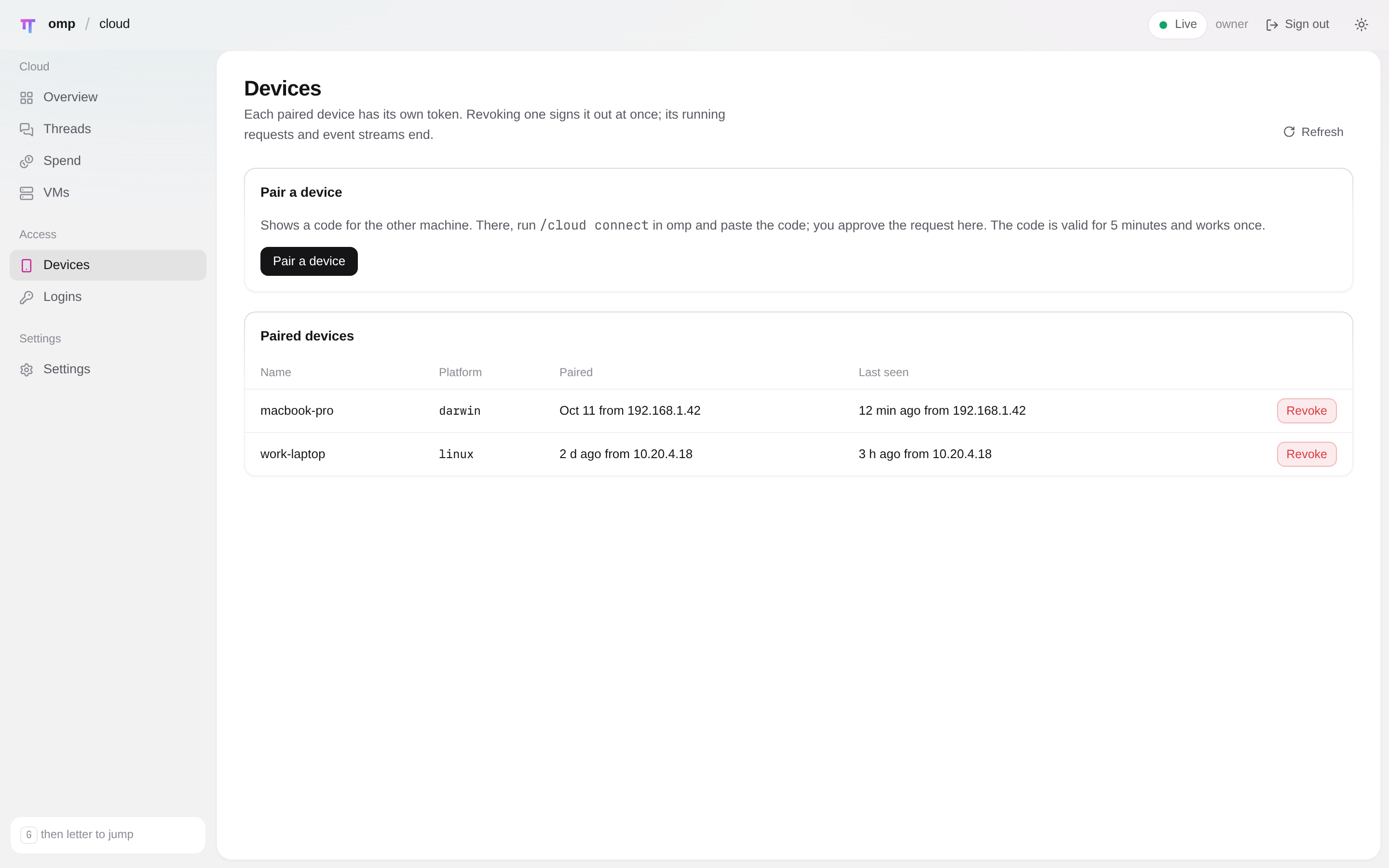
Threads by repository, per-thread context and cost, spend, VMs, devices and settings, in light and dark.
A loopback API listener plus a pinned-TLS remote listener, a per-thread gateway client token, a push policy, an egress allow-list and spend caps.
A tour
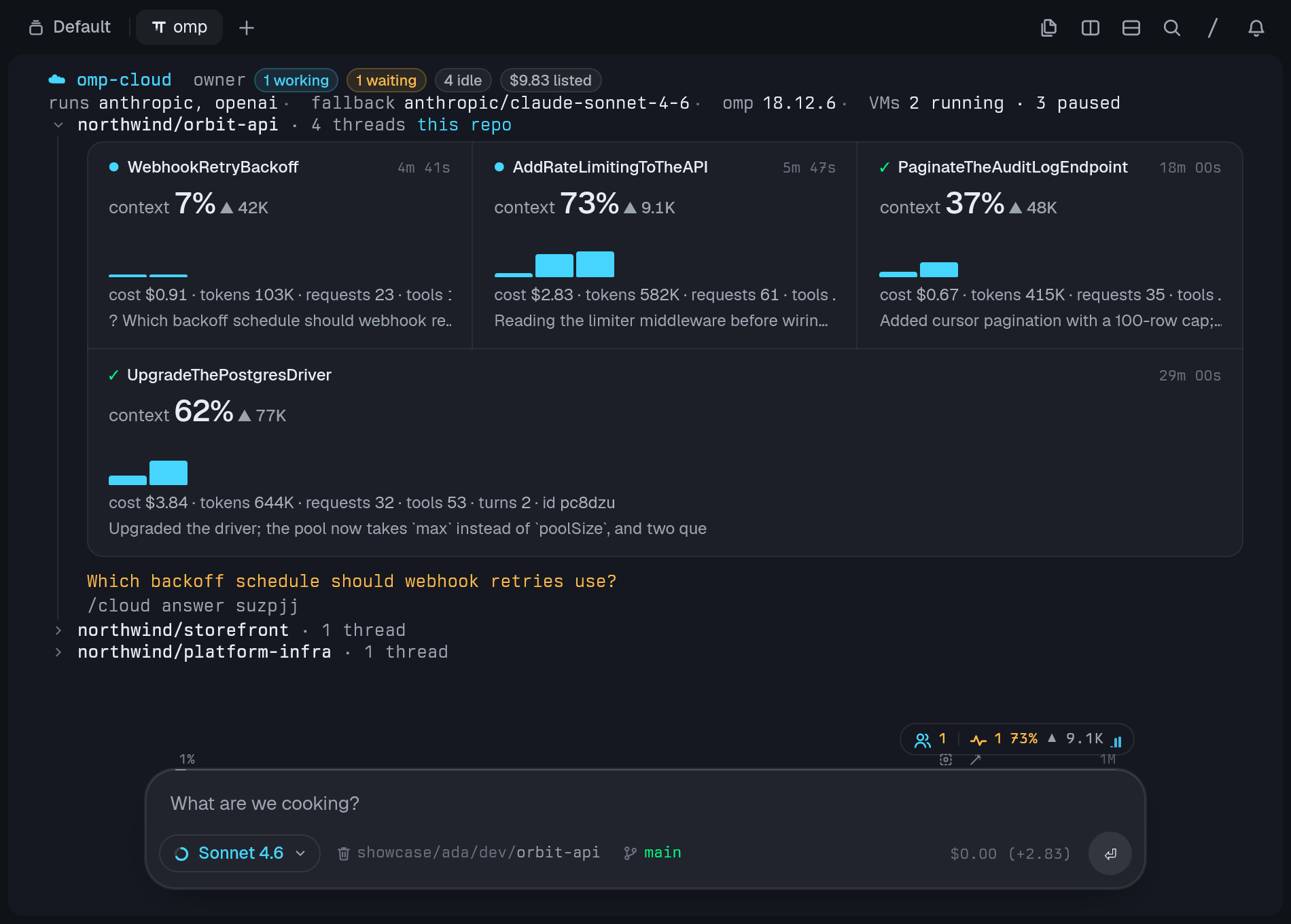
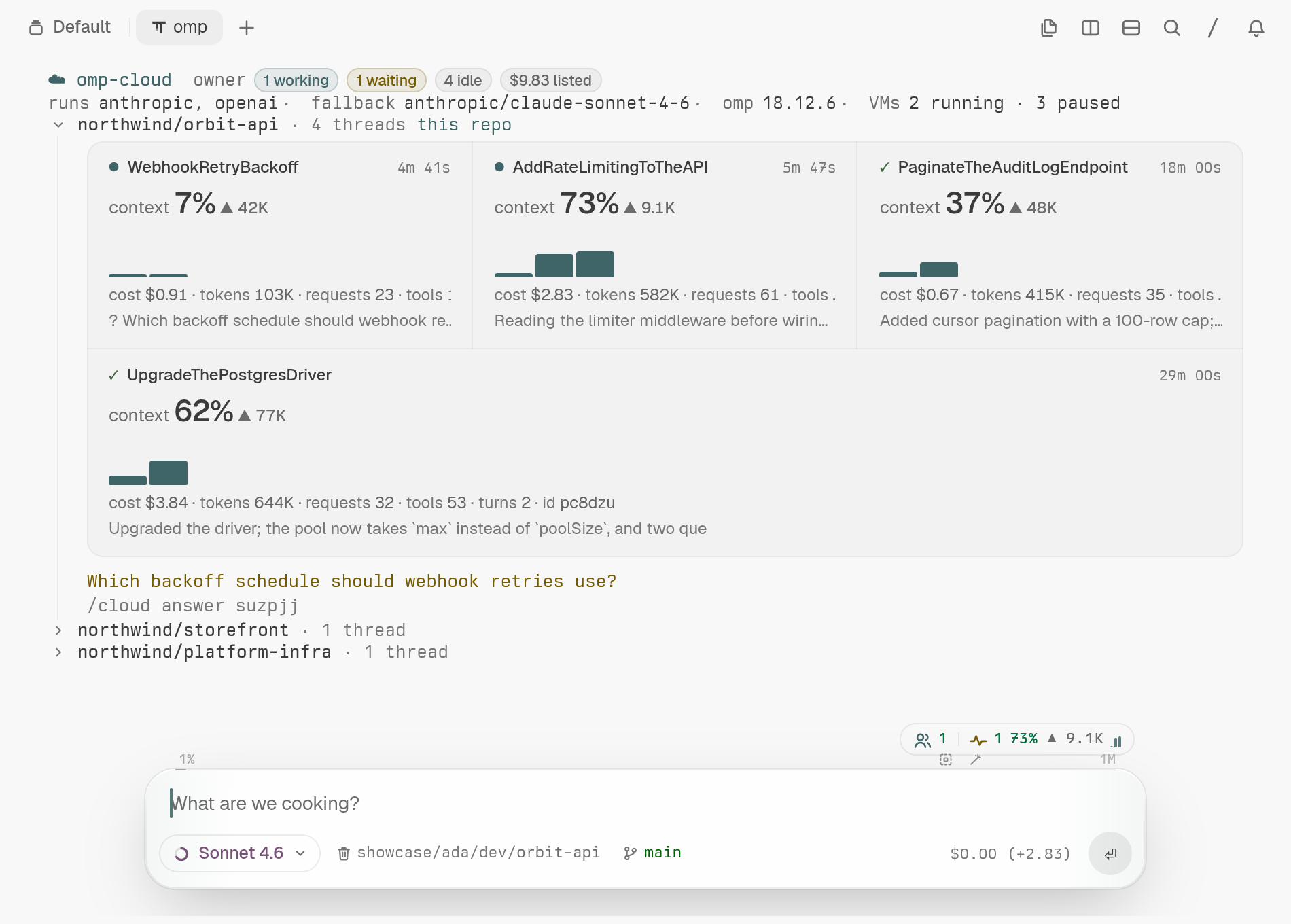
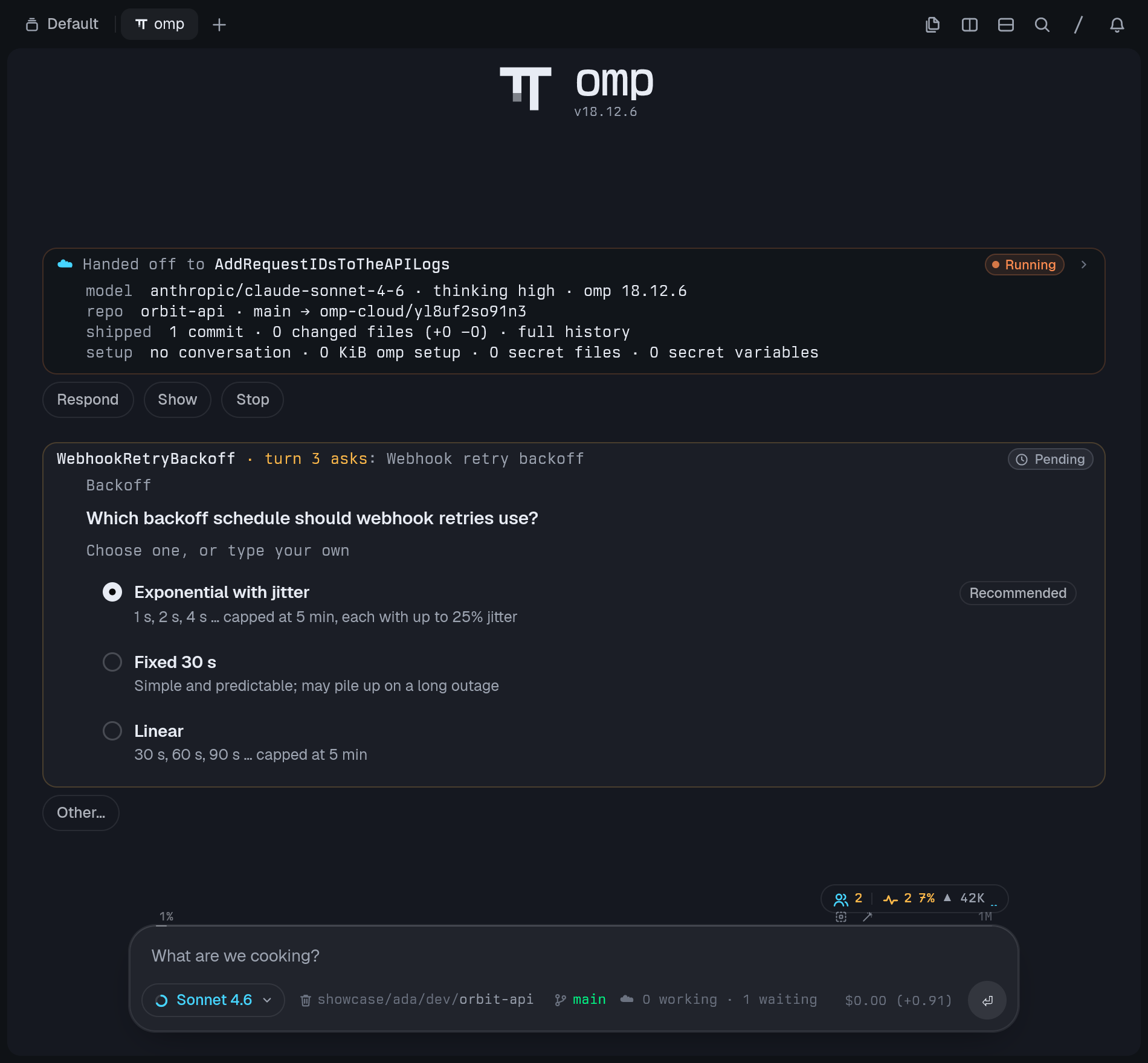
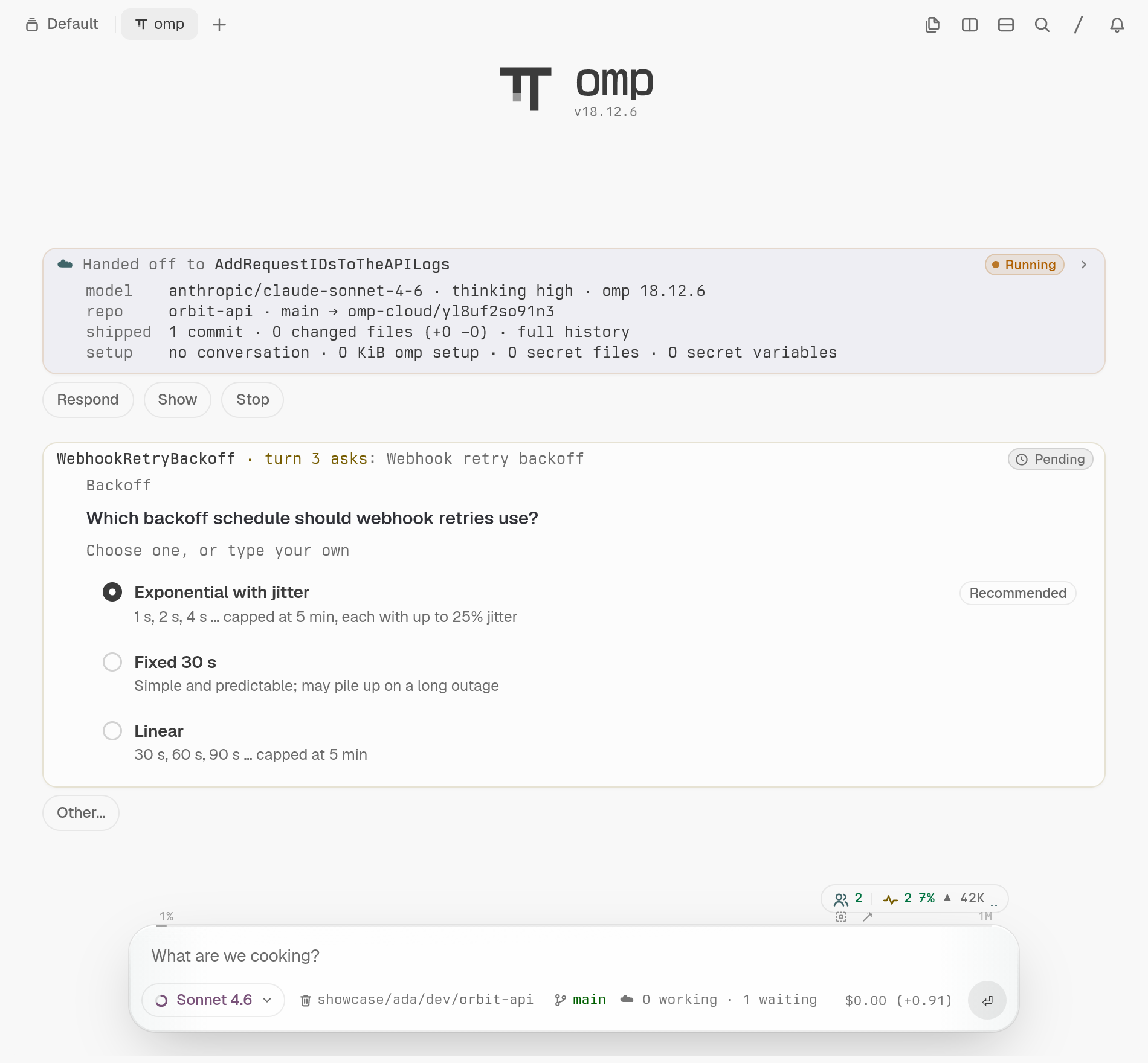
/cloud list draws each thread as the same job tile omp draws for its own background work: name, what the agent is doing, context use with its trend, a per-turn chart and cost. A question lands as a card that lists its options and opens omp's own ask dialog. Details: commands and cloud agents as omp jobs.
/cloud dashboard prints a one-time link to a loopback web page styled after omp's own /stats. A thread's page shows context use against the model's window, totals, and context and cost per turn.
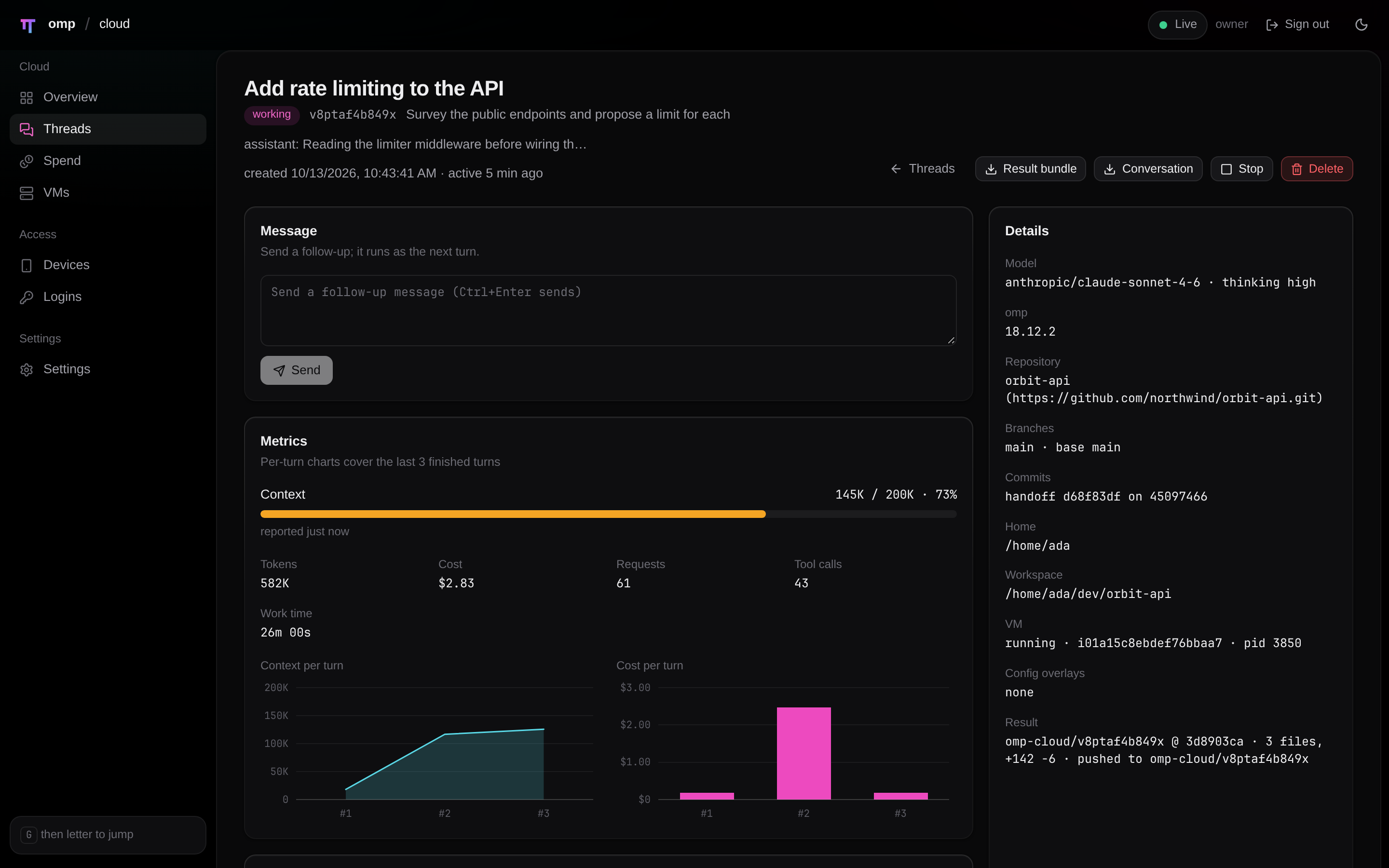
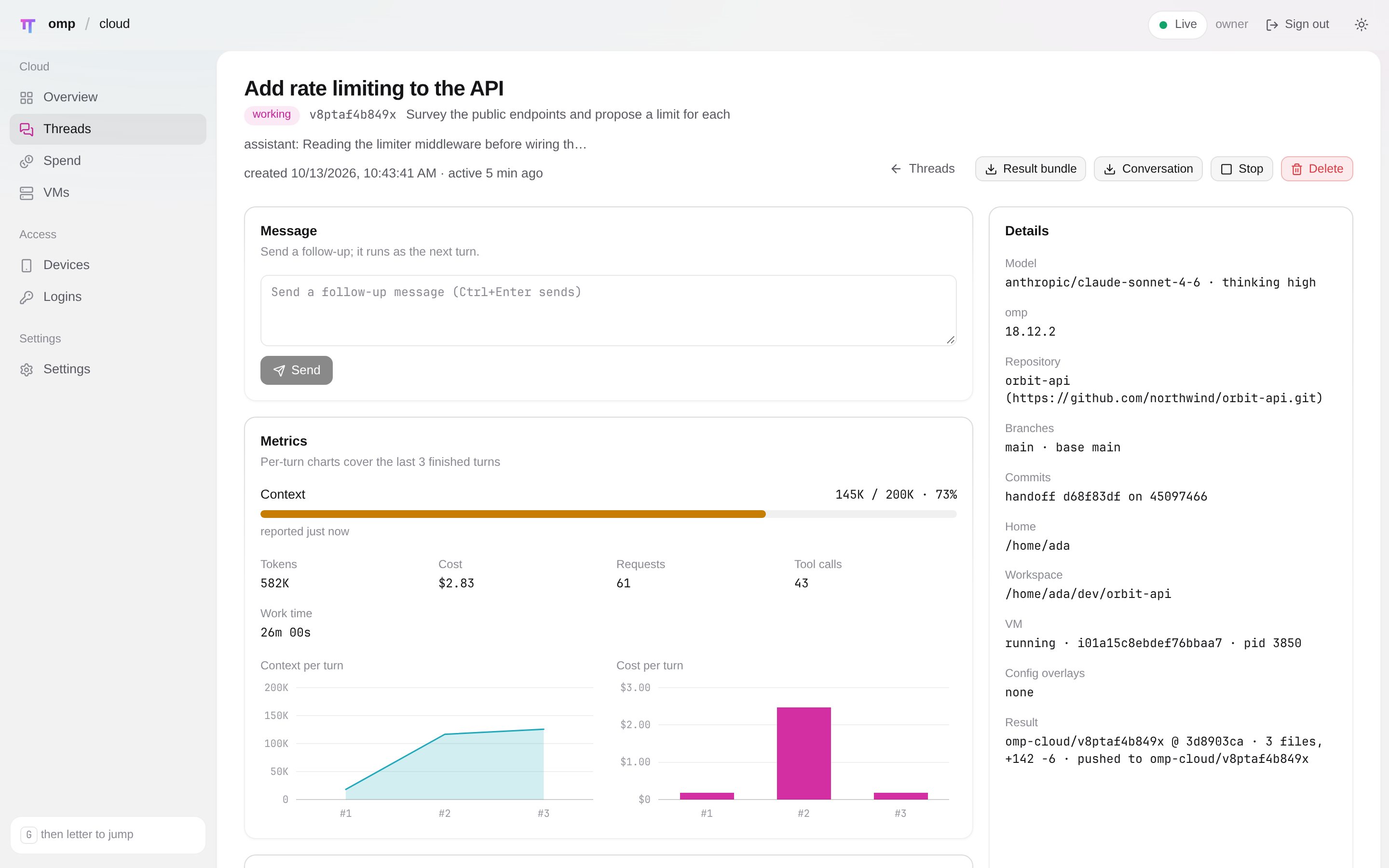
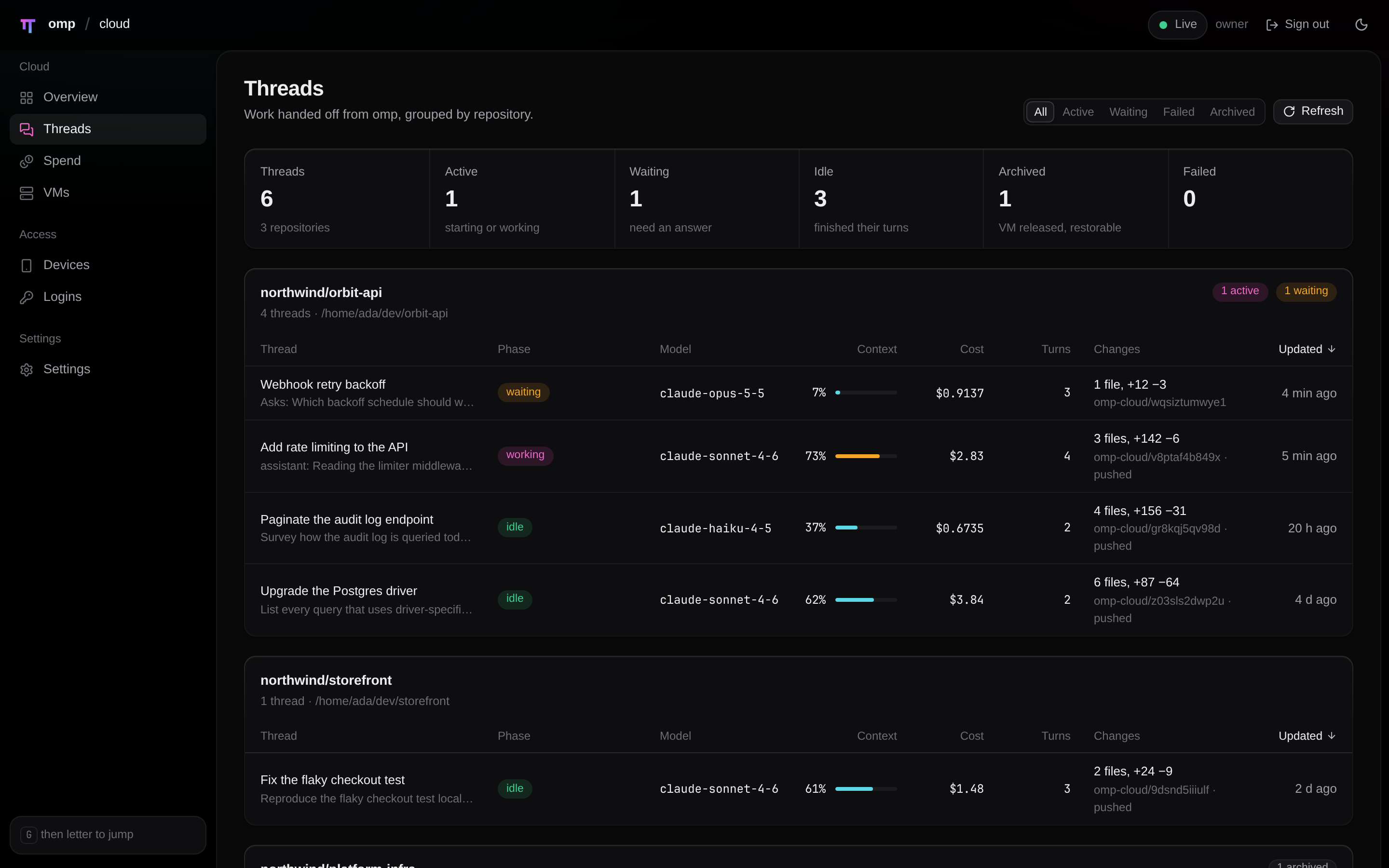
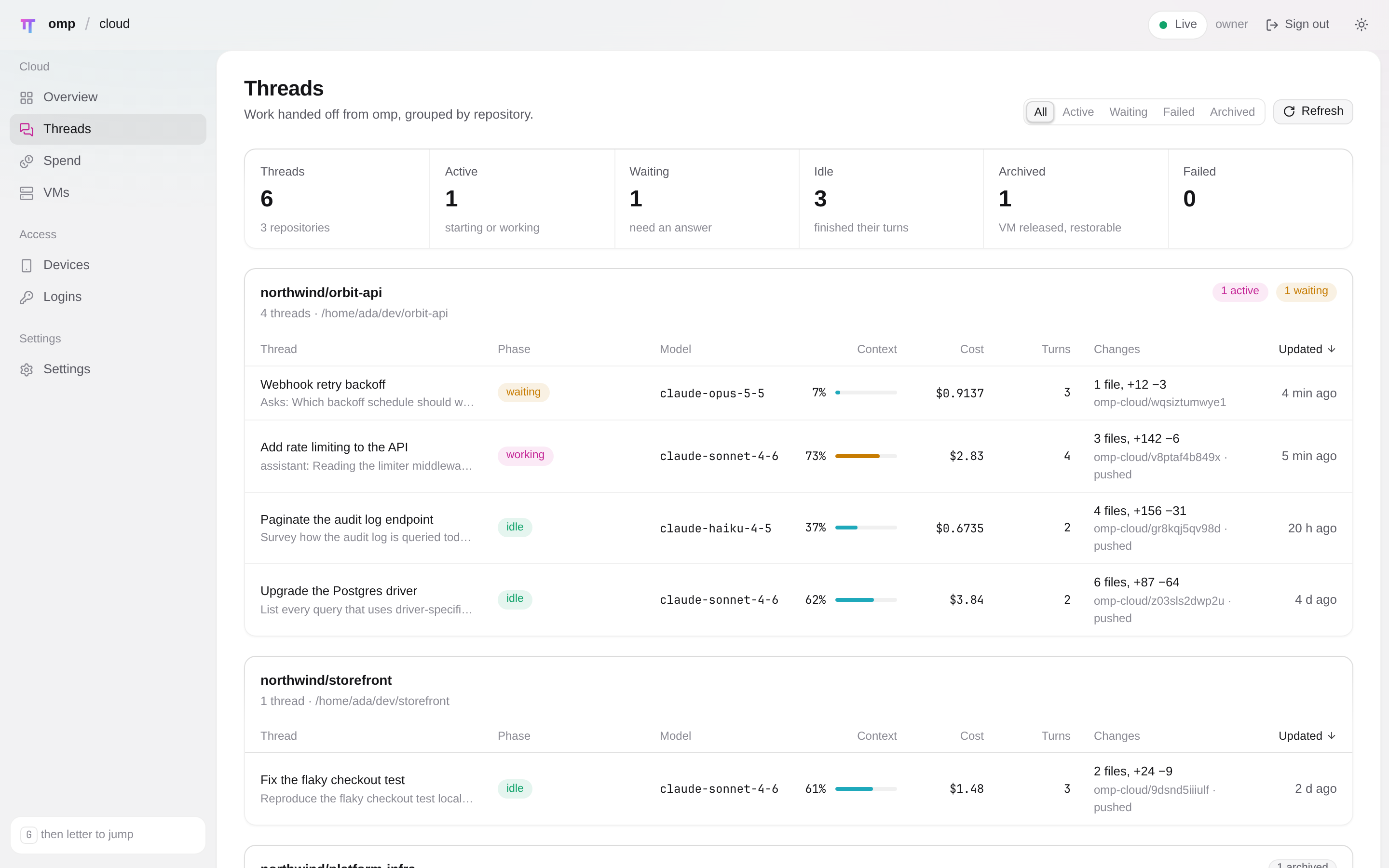
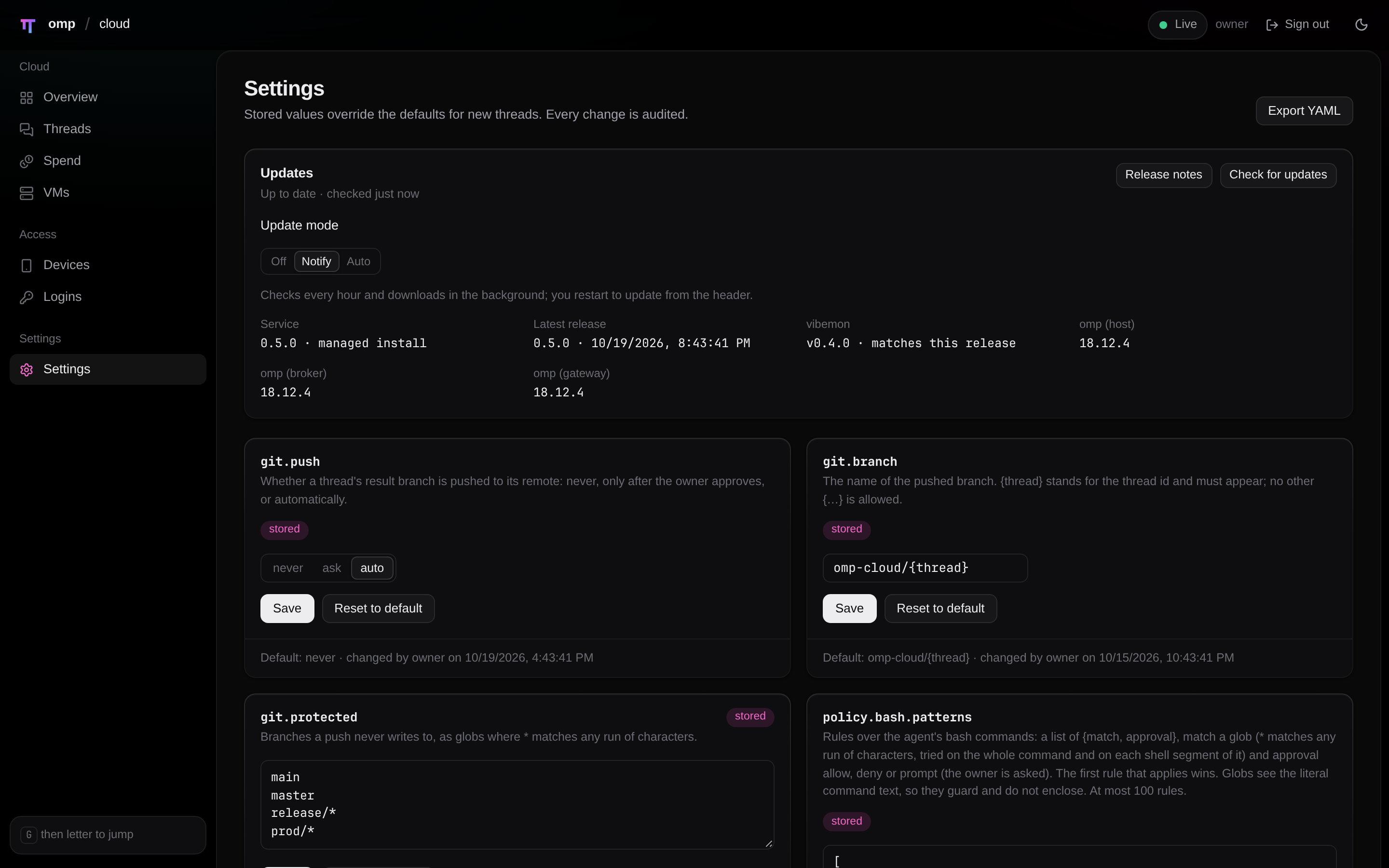
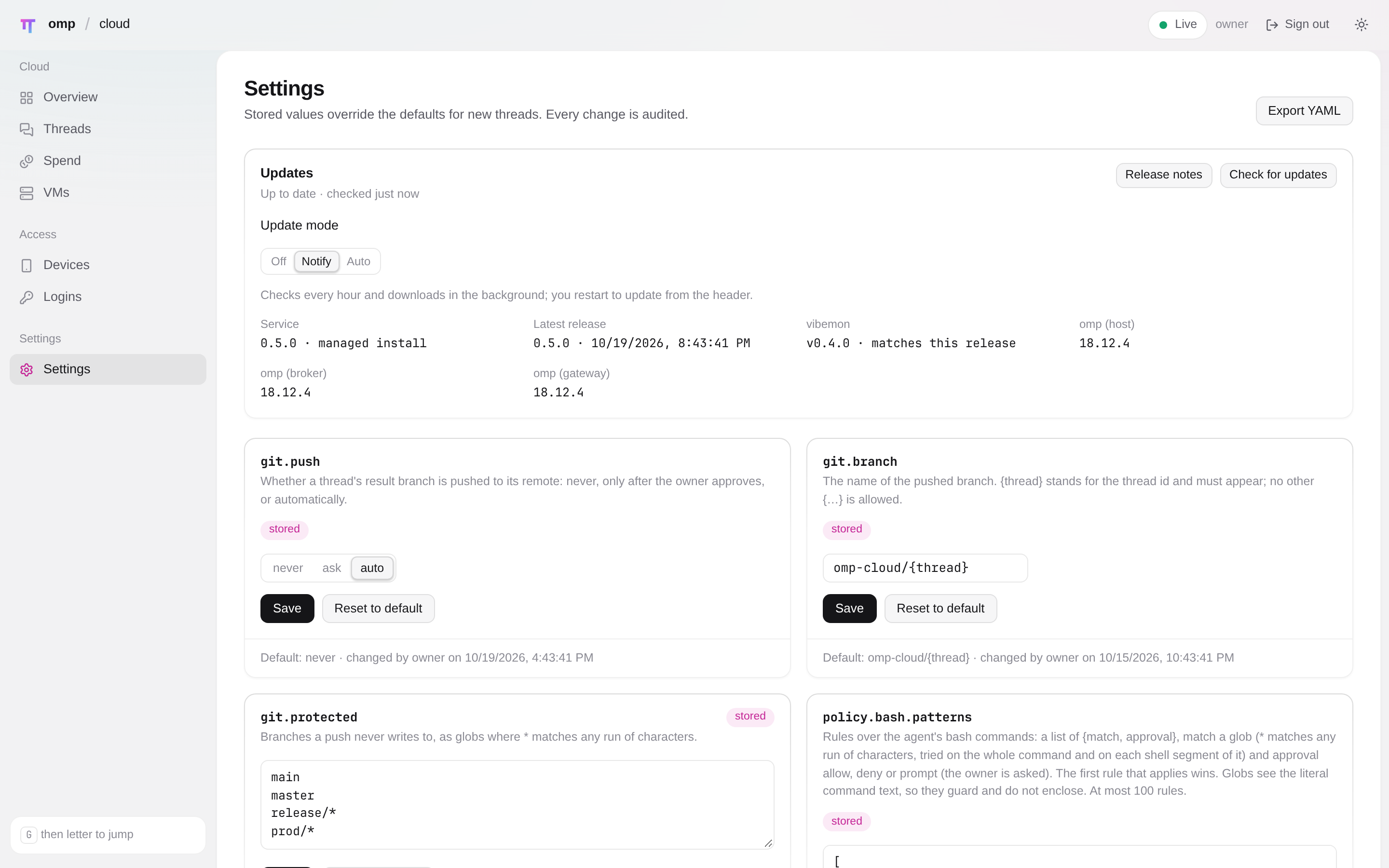
A question or a result that arrives while you are in another pane fills the terminal's own attention tray (the Program Status Protocol), so you see it without a card landing in the conversation. Details: where results go.
How it works
Quickstart
omp-cloud has two roles, each set up once: the server, the Linux machine that runs the service and the microVMs, and each device you run omp on. One machine can be both. The install script runs on the server and not on your laptop; the laptop is a device (Server and devices).
1. The server (once)#
You need a Linux x86_64 machine with /dev/kvm, systemd and a user with sudo (asked once), and omp 18.12.3 or newer (setup installs omp when it is missing). On that machine, one command sets up everything there: vibemon, the service, the model login and the plugin in that machine's omp.
curl -fsSL https://omp-cloud.techdufus.com/install.sh | shIt prints what it will change and asks first, and it configures only the machine it runs on. For a server you reach over ssh (a homelab box, a VM with nested KVM), run it from where you work; -t gives the prompt and sudo a terminal:
ssh -t user@host 'curl -fsSL https://omp-cloud.techdufus.com/install.sh | sh'Prefer an agent to do it? docs/agent-setup.md has a prompt to paste into omp for this machine, and one for a remote server that also pairs the machine you work on.
2. Each device you work from#
On the server itself the plugin is already installed, so step 2 is only for other machines (a laptop, a second workstation). On each, with omp 18.12.3 or newer:
omp plugin marketplace add TechDufus/omp-cloud
omp plugin install omp-cloud@omp-cloud
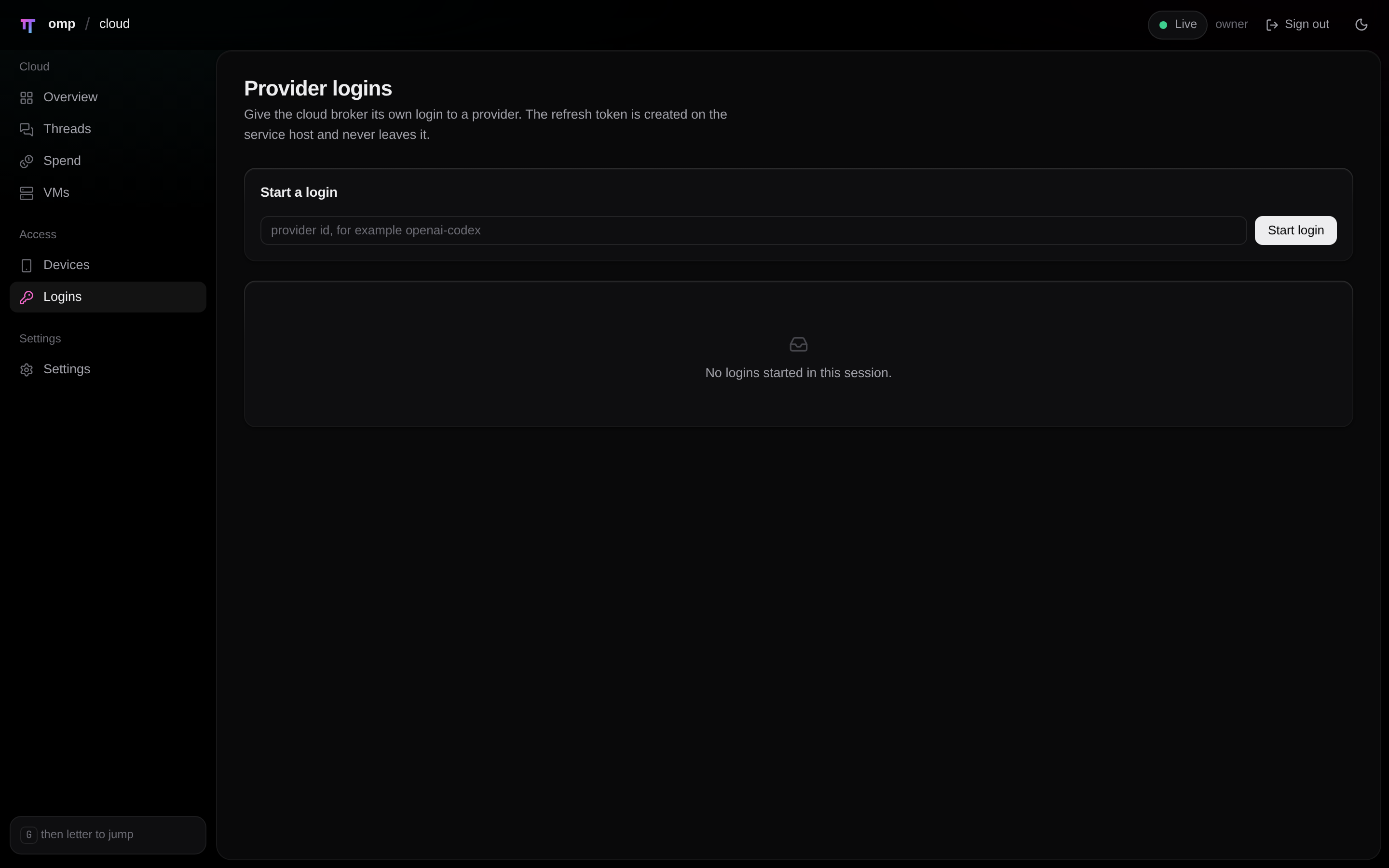
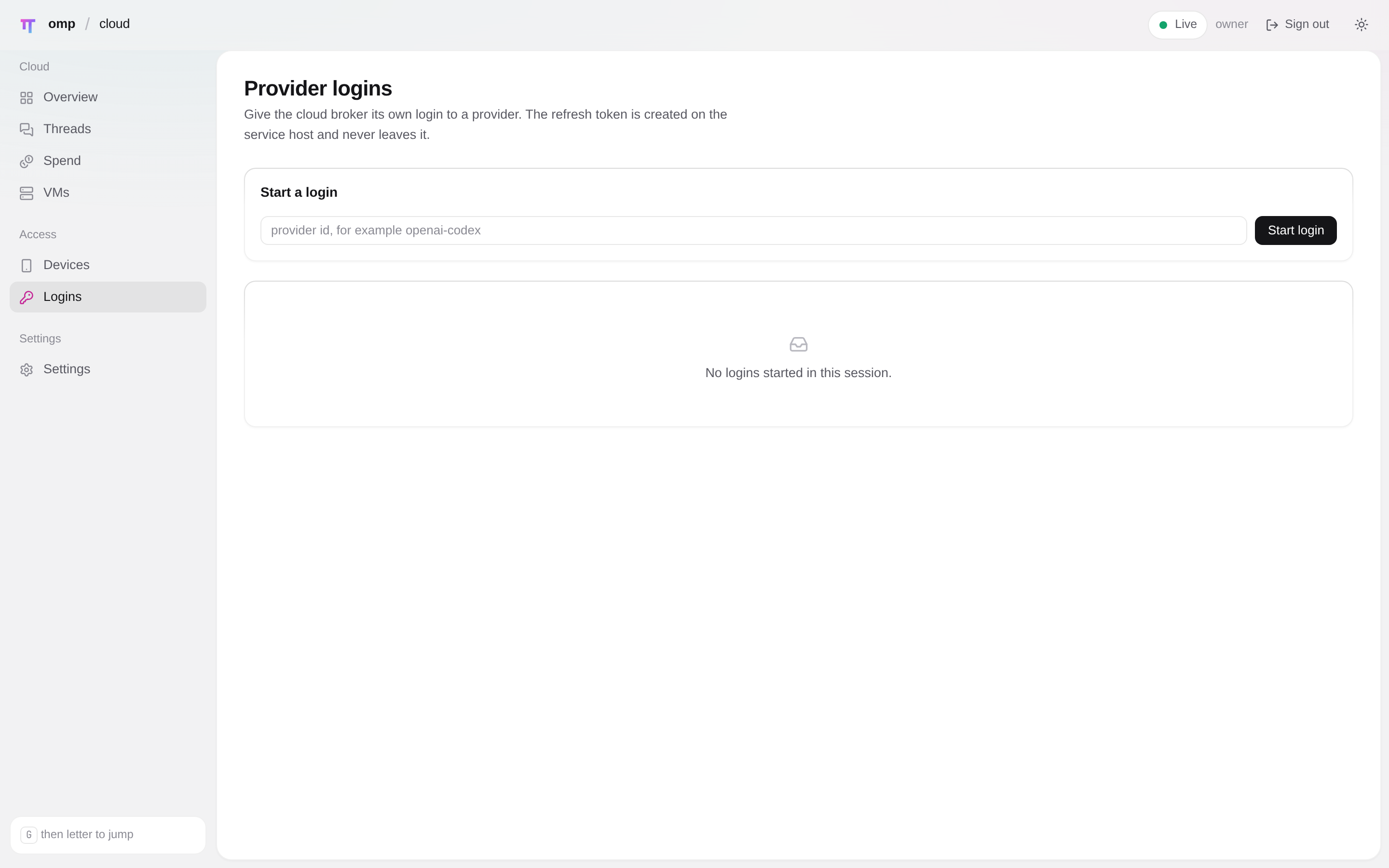
Then /restart omp, and pair once, in omp: /cloud connect user@host over ssh (key-based login and a known host key; nothing to approve), or run /cloud pair on the server and /cloud connect <code> on the device. A private repository or fork needs git access on the device for the marketplace add.
The device reaches the server on TCP 8443. Setup never opens the firewall, so allow that port from the device (firewall); by default only private addresses may connect. Pairing, public addresses and revoking: pairing.
First task#
In omp:
/cloud fix the flaky retry test in src/runnerThe agent starts, asks what it needs, and /cloud pull <id> brings its branch home. On the server, omp-cloud doctor checks the whole stack, including that your omp loads the plugin, and omp-cloud uninstall removes it. To work on omp-cloud itself, mise install && mise run infra:up sets a clone up the same way (install from a checkout).
Security model
- The service has an API listener on loopback only and a remote listener (TLS) for paired devices only. The owner token is refused on the remote listener.
- A VM holds one per-thread gateway client token. Provider credentials and git credentials never enter it, and the VM never pushes.
- VM egress is the internet plus the gateway; every other private range is denied, and
policy.egressnarrows the internet to a list. - Bash rules, tool approvals and spend caps bound what an agent may do, and a thread can tighten them, never loosen them.
More in docs/security.md.